Message Sent!
Thanks for reaching out. We’ll get back to you at your email address shortly.
What is an IPTV Encoder Box? A Complete Guide to Setup, Services & Players
In the evolving landscape of digital television, the IPTV encoder box stands out as a pivotal device for converting live signals into digital streams. Whether you’re aiming to stream live events or distribute television content over the internet, understanding the ins and outs of this technology is crucial. This guide will walk you through the essentials of IPTV encoder boxes, selecting the best IPTV service, setting up your system, and choosing compatible IPTV player software.
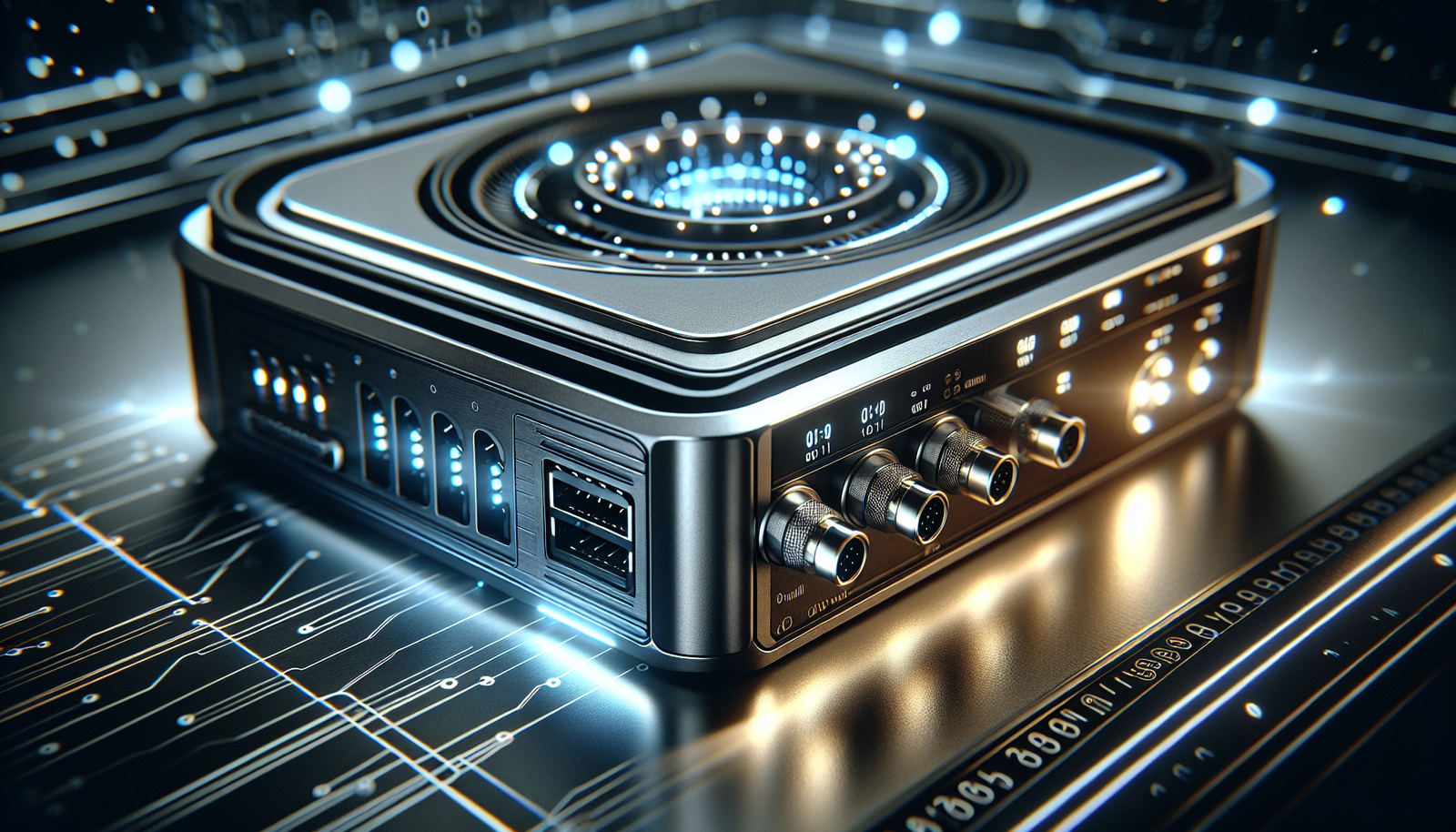
Understanding the IPTV Encoder Box
Core Function: Converting Live Signals for Streaming
An IPTV encoder box is designed to take live audio and video signals, such as those from a cable feed or camera, and convert them into a digital format suitable for streaming over the internet. This process, known as encoding, is essential for broadcasting content to a wide audience efficiently.
Key Hardware Components and Specifications
These encoder boxes typically include several critical components: input ports for video signals, a processing unit for encoding, and output options for network connections. Specifications often vary, with some models offering support for HD or 4K resolution and different compression standards like H.264 or H.265.
How It Differs from a Standard IPTV Set-Top Box
Unlike the average IPTV set-top box, which is primarily a receiver for playing streamed content, an IPTV encoder box is an active broadcaster, transforming raw signals into streamable content. This distinction is important for those looking to produce and distribute content rather than just consume it.
Choosing the Best IPTV Service for Your Encoder
Essential Features in a Premium IPTV Subscription
When selecting the best IPTV service for your encoder box, consider factors such as the variety of channels, availability of video on demand, and the provider’s reputation for reliability and customer support.
Evaluating Reliability and Channel Lineups
A reliable IPTV service should offer a stable connection with minimal downtime. A comprehensive channel lineup that includes both local and international options will enhance the viewing experience.
Why Free IPTV Services Often Fail with Professional Hardware
While free IPTV services may be tempting, they often lack the stability and support needed for professional hardware like an IPTV encoder box. These services can lead to poor quality streams and frequent disruptions, undermining the potential of your setup.
Top IPTV Players for Optimal Playback
Recommended IPTV Players for Different Devices
For optimal playback, consider IPTV players like VLC for computers, TiviMate for Android devices, and Smarters IPTV for a range of platforms. Each offers unique features tailored to different user needs.
Configuring Your Player with an Encoder Stream
Configuration involves inputting the streaming URL or M3U playlist provided by your encoder or IPTV service into your player. This setup ensures your player can access and display the broadcast correctly.
Troubleshooting Common Playback Issues
Common issues include buffering, poor image quality, and audio sync problems. These can often be resolved by checking network connections, updating software, and ensuring your encoder settings match the output capabilities of your IPTV player.
Step-by-Step IPTV Setup Guide
Initial Hardware and Network Configuration
Start with connecting your IPTV encoder box to your video source and ensuring your network settings are configured for optimal data transfer. This might involve setting up static IPs or ensuring sufficient bandwidth.
Integrating Your IPTV Subscription Service
Once your hardware is configured, integrate your IPTV subscription service by inputting the necessary credentials and stream URLs into your encoder box. This step is crucial for accessing the full range of your subscription’s offerings.
Optimizing Settings for Performance and Stability
Adjust settings such as bitrate and resolution to match your network capacity and output devices. Regularly updating firmware and software can enhance performance stability.
Maximizing Your IPTV Experience
Advanced Tips for Network and Stream Management
Utilize Quality of Service (QoS) settings on your router to prioritize IPTV traffic, reducing the risk of buffering and interruptions. Monitoring network usage can also help identify potential bottlenecks.
Maintaining Security and Privacy
Ensure your IPTV setup is secure by using strong passwords and enabling firewalls. Consider using a VPN to protect your streaming activities from potential eavesdropping.
Future-Proofing Your IPTV Setup
Stay ahead by selecting hardware that supports the latest streaming standards and resolutions. This ensures compatibility with future updates and new services.
FAQs
Can I use an IPTV encoder box without a paid subscription?
Technically, yes, but it’s not recommended. An encoder box is designed to process and stream content from a reliable source. Free IPTV services often provide unstable streams, inconsistent channel availability, and poor technical support, which undermines the encoder’s purpose of delivering high-quality, reliable broadcasts. A legitimate IPTV subscription service is the best partner for professional hardware.
What’s the main difference between an IPTV encoder box and a standard IPTV player app?
An IPTV encoder box is an input device that captures live audio/video signals (e.g., from a cable feed or camera) and converts (encodes) them into a digital stream for distribution over the internet. An IPTV player app is an output device—software on your phone, TV, or computer that receives and plays back those already-encoded streams. The encoder creates the stream; the player consumes it.
Is a special IPTV player required to watch streams from an encoder box?
No, most modern IPTV players like VLC, TiviMate, or Smarters IPTV are compatible. The key is having the correct streaming URL or playlist (M3U) from your encoder or service provider. You then input this information into your chosen player app. The player’s quality can significantly impact buffering, electronic program guide (EPG) display, and overall user experience.
In conclusion, mastering the use of an IPTV encoder box in conjunction with a reliable IPTV service and compatible players can significantly enhance your digital broadcasting efforts. Whether for personal enjoyment or professional distribution, this technology offers a robust solution for modern streaming needs.
Frequently Asked Questions
Can I use an IPTV encoder box without a paid subscription?
Technically, yes, but it’s not recommended. An encoder box is designed to process and stream content from a reliable source. Free IPTV services often provide unstable streams, inconsistent channel availability, and poor technical support, which undermines the encoder’s purpose of delivering high-quality, reliable broadcasts. A legitimate IPTV subscription service is the best partner for professional hardware.
What's the main difference between an IPTV encoder box and a standard IPTV player app?
An IPTV encoder box is an input device that captures live audio/video signals (e.g., from a cable feed or camera) and converts (encodes) them into a digital stream for distribution over the internet. An IPTV player app is an output device—software on your phone, TV, or computer that receives and plays back those already-encoded streams. The encoder creates the stream; the player consumes it.
Is a special IPTV player required to watch streams from an encoder box?
No, most modern IPTV players like VLC, TiviMate, or Smarters IPTV are compatible. The key is having the correct streaming URL or playlist (M3U) from your encoder or service provider. You then input this information into your chosen player app. The player’s quality can significantly impact buffering, electronic program guide (EPG) display, and overall user experience.
For official device setup help related to iptv encoder box, visit Amazon Fire TV support.
Ready to experience the best iptv encoder box service?
44,000+ live channels · 100,000+ movies · 4K Ultra HD · 24/7 support
Try Our Services →